
Disclosure: We earn commissions from links on this page.

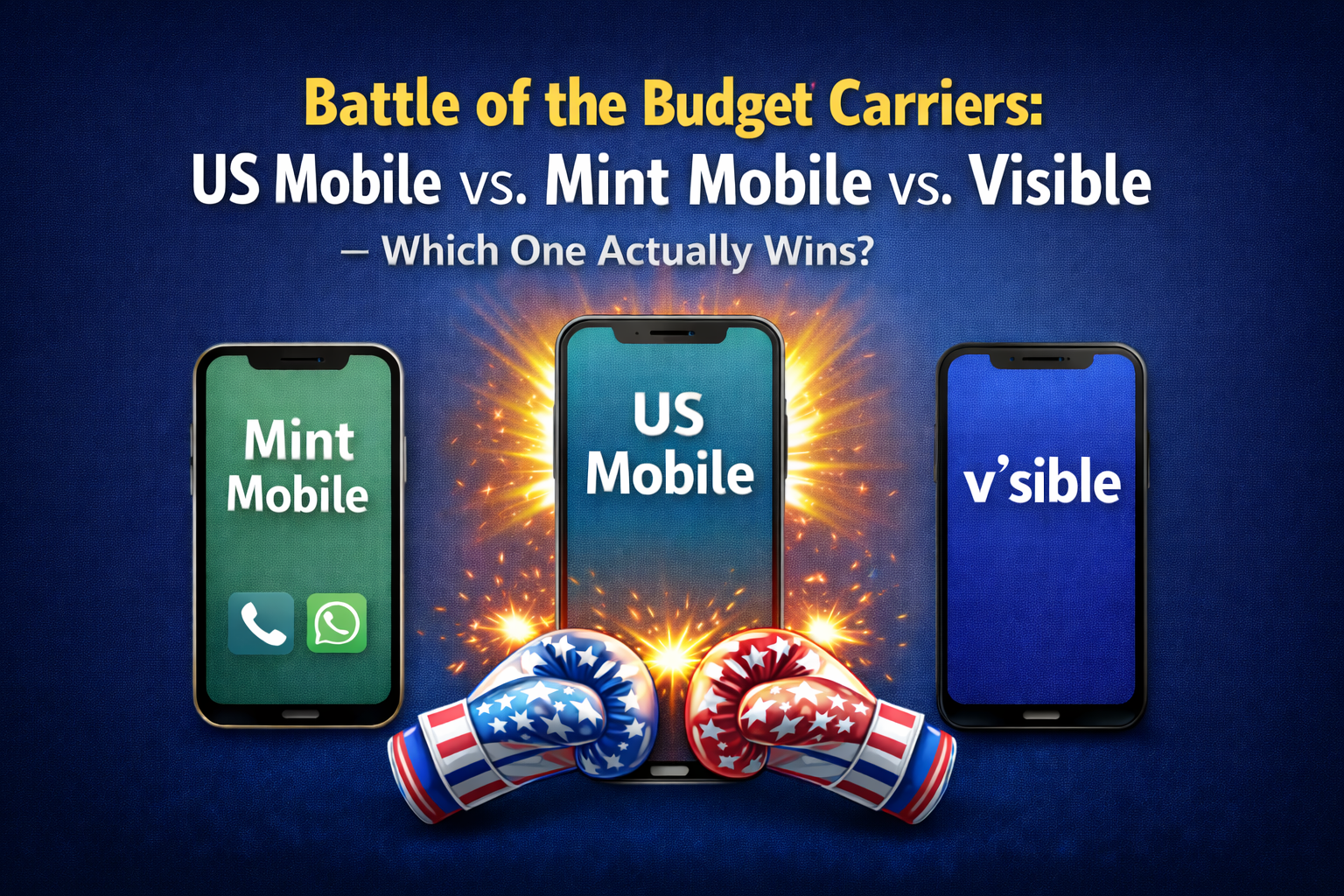
Best Budget Mobile Carriers: US Mobile vs. Mint Mobile vs. Visible (2026)

Cheap Mobile Plans

Best Budget Carriers – Bottom Line Up Front

If you want the shortest honest answer: US Mobile is the best overall choice for most people in 2026. It offers the strongest balance of performance, flexibility, and premium features without postpaid pricing. Mint Mobile can make sense if you prioritize long-term savings and already trust T-Mobile coverage, while Visible is best suited for users who want simple unlimited Verizon service with minimal decision-making.

If you use a modern phone with dual eSIM support—such as an iPhone Pro (13 or newer), Google Pixel 8+, or Samsung Galaxy S24+—testing any of these services is low risk. You can activate a secondary eSIM alongside your existing line and compare real-world performance before committing.

Quick Comparison Snapshot (2026)

Carrier & Rank Best For Unlimited Cost Standout Strength
US Mobile

🥇 Winner

Flexibility, families, premium data + hotspot users ~$22–$32/mo Network choice + priority data + hotspot
Mint Mobile
🥈
Lowest long-term cost in strong T-Mobile cities ~$15–$25/mo (prepaid) Prepaid pricing simplicity
Visible
🥉 Honorable Mention
Simple unlimited Verizon $45/mo (Visible+ Pro) Unlimited data

Pricing reflects standard plans, not short-term promos. Disclosure: We may earn a commission if you buy through links on this page.

The Competitive Landscape in 2026

In 2026, budget carriers have largely closed the gap with big carriers on everyday experience. The real differences now come down to how they behave under congestion, how much flexibility you have if your coverage reality changes, and whether hotspot and premium data are genuinely usable in real life.

How These Rankings Were Determined

Synthesizing expert reviews from PCMag, Wirecutter (NYT), Tom’s Guide, WhistleOut, and real-world user feedback, a clear ordering emerges when weighting flexibility, performance under congestion, and overall value:

  1. US Mobile ranks highest for flexibility, customer satisfaction, and priority data access.
  2. Mint Mobile follows on cost for users willing to prepay and stay put.
  3. Visible lands third and often the highest-priced of the three, but with simple access to unlimited Verizon coverage.

🥇 1. US Mobile — Best Overall in 2026

US Mobile takes the top spot because it solves the two biggest pain points with cheaper plans: avoiding getting stuck on the wrong network and avoiding slowdowns when towers are busy.

Why It Wins

  • Choose between major network options (and switch if your needs change)
  • High-priority data on unlimited plans (the difference-maker during congestion)
  • Real hotspot/tethering allowances (roughly 10–50GB depending on plan)
  • Fast eSIM activation and straightforward management
  • Consistently strong customer satisfaction

Plans & Pricing

  • Light-use plans: ~$10/month
  • Unlimited Starter: ~$22.50/month (annual)
  • Unlimited Premium: ~$32.50/month (annual)

Data & Performance

  • ~70GB+ premium data before deprioritization (plan dependent)
  • Fast 5G speeds where available
    — look for “5G UW” (Verizon), “5G+” (AT&T), or “5G UC” (T-Mobile) on your phone
  • Hotspot/tethering included on unlimited plans (plan dependent)

Perks

  • Family plan savings
  • Streaming perks on select multi-line configurations
  • International roaming add-ons
  • Responsive support

Best For: People who want control, families managing multiple lines, hotspot users, and anyone who wants premium performance without guessing how it will behave when networks are congested.

🥈 2. Mint Mobile — No-Frills T-Mobile Coverage

Mint Mobile earns this spot primarily on cost if you’re comfortable paying upfront and you already know T-Mobile performs well where you live and travel. The tradeoff is less flexibility once you’ve committed, and switching later requires more effort.

Plans & Pricing

  • Prepaid only (3, 6, or 12 months)
  • Effective monthly cost typically ~ $15–$25 depending on plan and term

Best For: Users who are price-sensitive, comfortable prepaying, and do not need flexibility once service is active.

🥉 3. Visible — Simple Unlimited Verizon

Visible is the simplest option here: unlimited Verizon coverage with minimal customization. It’s often the highest-priced of the three, but it’s straightforward for solo users who want “set it and forget it.”

Decision Shortcut

  • Want flexibility, family plans, priority data, or real hotspot → US Mobile
  • Want the cheapest long-term option and you trust T-Mobile where you live → Mint Mobile
  • Want simple unlimited Verizon and don’t mind paying more → Visible

Final Verdict

US Mobile is the best overall choice in 2026 because it delivers premium-level features without locking you into one network—especially the combination of priority data behavior and hotspot/tethering practicality. Mint Mobile is a reasonable fit for disciplined budgeters in strong T-Mobile areas. Visible remains viable for people who prioritize simplicity over price, but it is intentionally the most expensive option here.

If you have a dual-eSIM phone, the smartest move is still to test before switching. Activate a secondary eSIM, compare real-world performance, and keep your main line untouched. No contracts. No pressure…
Cheapest International Data With a Locked Phone: 5G Hotspot Hack

Travel Hotspot

Bottom Line Up Front – Locked Phone and Cheap International Data

If your main phone is carrier-locked or you can’t use eSIM, the simplest cheap path is:

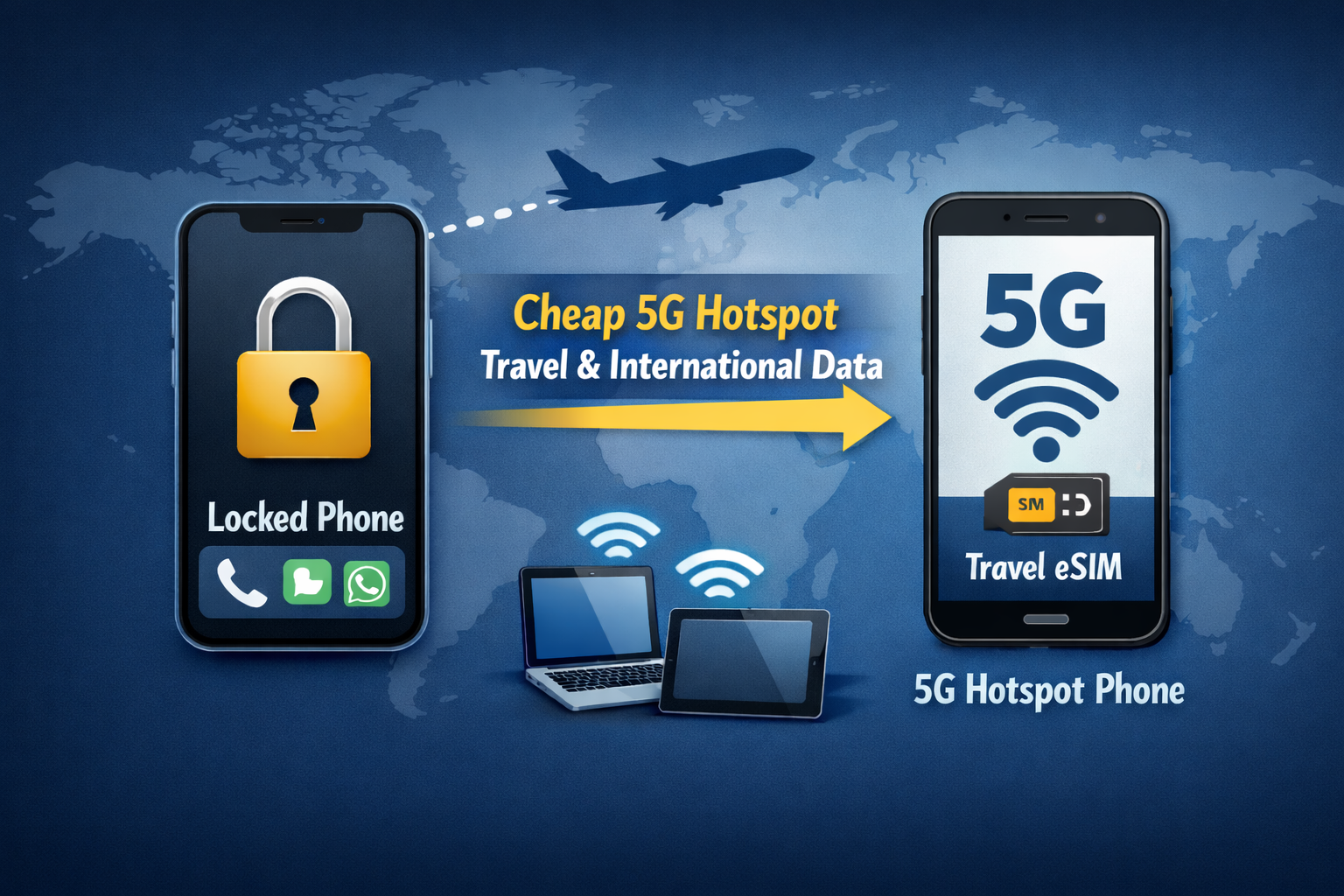
Buy a cheap unlocked 5G phone, install a US Mobile travel eSIM on it, turn on hotspot, connect your locked phone, and enable Wi-Fi Calling.
That’s it. Your locked phone keeps working for calling, iMessage/WhatsApp, and two-factor authentication (2FA) codes from your bank or email — without paying roaming rates.

The 60-Second Setup

  1. Buy a cheap unlocked 5G “hotspot phone”
    Recommended examples:

    • iPhone SE (2022 / 3rd gen), unlocked used/refurb: ~ $125–$200
    • Google Pixel 7a, unlocked used/refurb: ~ $130–$180
  2. Enable Wi-Fi Calling on your locked phone before leaving the U.S.
    • Keeps your normal number working like normal while you’re on Wi-Fi abroad.
  3.  Install a travel eSIM on the hotspot phone
    We recommend: US Mobile (international eSIM)
    Budget alternatives: Airalo, Nomad
  4. Turn on hotspot + connect your locked phone
    • Hotspot phone: enable Mobile Hotspot
    • Locked phone: connect to that Wi-Fi
    • Locked phone: keep data roaming OFF

Quick Comparison Snapshot

Option Best For Cost Profile Standout Strength
🥇 Cheap unlocked 5G phone used only as a hotspot + travel eSIM 1–3 devices, most travelers, lowest cost Lowest real cost (especially with resale) Cheap, flexible, easy to replace/resell
🥈 Dedicated 5G hotspot device + travel eSIM 4+ devices, families, laptop-heavy trips, fewer hiccups Higher upfront cost Built for sustained multi-device sharing
Almost never worth it: pocket Wi-Fi rentals Rare edge cases only Usually expensive + fees Convenience is real, value usually isn’t

Disclosure: We may earn a commission if you buy through links on this page.

Why This Works With a Locked Phone

A carrier lock blocks adding another carrier’s SIM/eSIM to your main phone. It does not block Wi-Fi.

So your hotspot phone provides the data, and your locked phone connects over Wi-Fi like it would at home.

🥇 Option #1: Cheap Unlocked 5G Phone Used Only as a Hotspot

This is the “dirt cheap, reliable, repeatable” setup.

What to buy

A cheap unlocked 5G phone where the only things that matter are:

  • Unlocked
  • 5G
  • Mobile hotspot/tethering works
  • eSIM support
  • Battery isn’t terrible

You do not care about camera, screen quality, storage, or “nice features.” This is a data modem you carry.

Recommended cheap hotspot phones (examples)

  • iPhone SE (2022 / 3rd gen), unlocked used/refurb: ~ $125–$200
  • Google Pixel 7a, unlocked used/refurb: ~ $130–$180

Dirt-cheap tip (optional)

If you want to go ultra-cheap, buy a used phone with a cracked screen / cosmetic damage. You’re not consuming content on it — you’re using it to turn hotspot on and forget it.

What International data to use? We recommend the following:

Install a travel eSIM on the hotspot phone:

  • US Mobile (international eSIM)
  • Airalo
  • Nomad

1–3 devices: phone hotspot is usually plenty

A phone-as-hotspot can be just as fast as a dedicated 5G hotspot in raw 5G speed. The differences are practical: battery drain and heat during all-day HEAVY hotspot use, not raw speed.

The eBay resale play (this is what makes it cheapest)

If you don’t travel often:

  • Buy the hotspot phone (new or used)
  • Use it for the trip
  • Sell it on eBay afterward

That usually beats rentals because you’re paying only depreciation, not daily fees and add-ons.

🥈 Option #2: Dedicated 5G Hotspot Device (Best for 4+ Devices)

If you’re connecting 4+ devices (family trip, laptops/tablets, fewer hiccups), a dedicated hotspot can be worth it.

Important nuance: a phone hotspot can often handle 4 devices — this isn’t a hard limit. The reason dedicated hotspots get recommended in this situation is they’re built to behave like portable routers during sustained multi-device sharing, with fewer “babysitting” moments.

Why We Almost Never Recommend Pocket Wi-Fi Rentals

Pocket Wi-Fi rentals are almost never worth it because the pricing model usually stacks against you:

  • Daily fees add up fast
  • Deposits/insurance/return rules add hassle
  • Longer trips get punished
  • You pay for convenience, not value

If you want convenience, owning a hotspot device usually wins long-term. If you want the lowest cost, the cheap hotspot phone wins — especially with resale.

The Key Move: Wi-Fi Calling Keeps Everything Working

Enable Wi-Fi Calling on your main (locked) phone before you leave the U.S.

Wi-Fi Calling helps your normal number keep behaving normally while your phone is connected to Wi-Fi from your hotspot device. That matters for real life:

  • Calling from your normal number
  • Texts (carrier-dependent, but often works well)
  • Account access flows that assume your number is reachable

Gotchas (All Solvable)

  • The hotspot device must be unlocked
  • Some travel eSIM plans may restrict hotspot/tethering — confirm before buying
  • Keep data roaming OFF on your locked phone to avoid accidental roaming charges

Decision Shortcut

  • 1–3 devices, lowest cost → cheap unlocked 5G hotspot phone + travel eSIM
  • 4+ devices, want fewer hiccups → dedicated 5G hotspot device
  • Thinking about rentals → almost never worth it; buy used and resell instead

Next steps

International Travel Data Dual-SIM Hack: Keep Your Main Line, Add an eSIM

International eSIM

Bottom Line Up Front

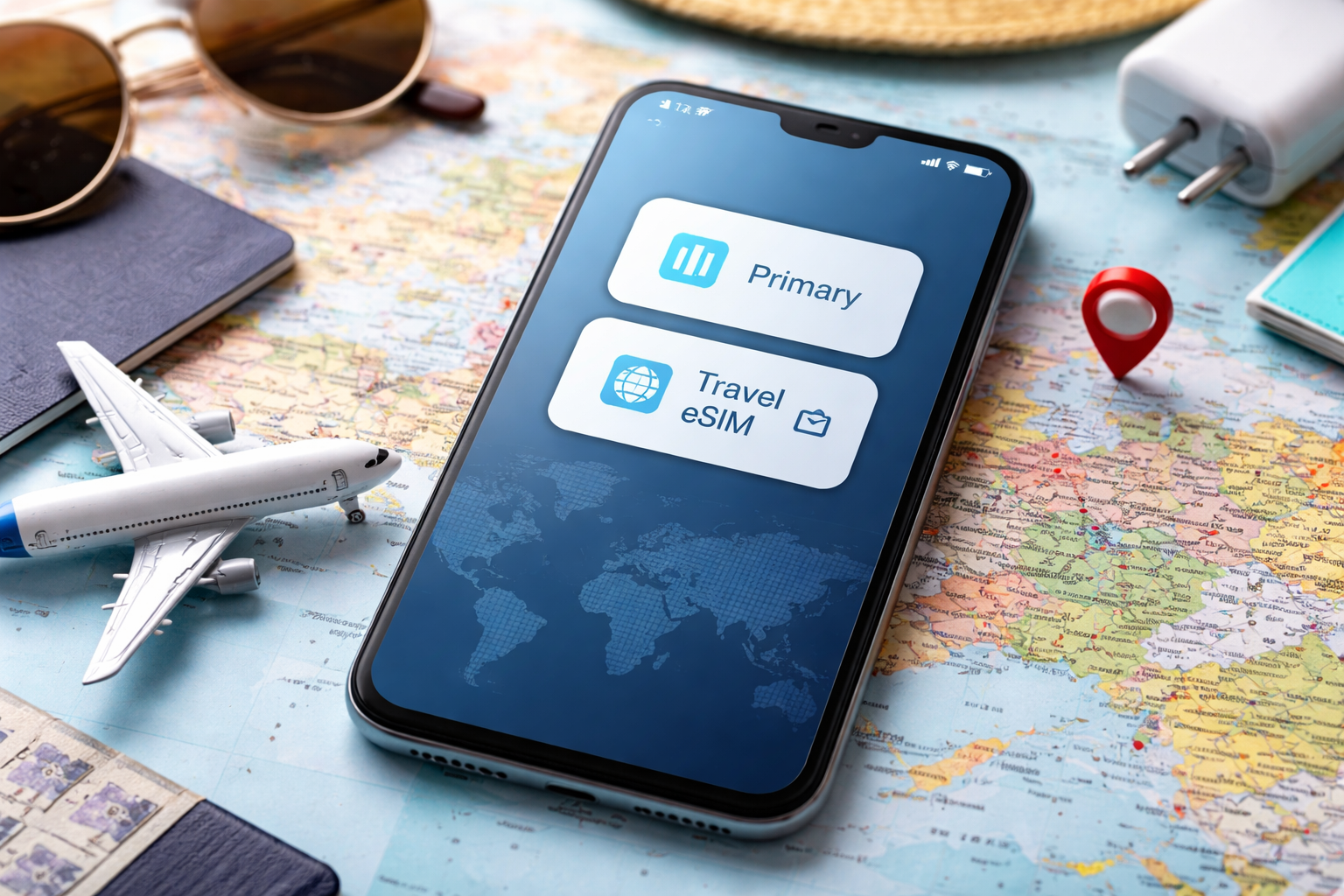
If you travel internationally and have a dual-SIM phone, the smartest move is simple: keep your main line active for calls and texts, and add a travel eSIM for data. This setup avoids roaming charges, keeps your real phone number working for iMessage, WhatsApp, and two-factor authentication (2FA) from things like your bank or email, and removes the stress of figuring out connectivity after you land.

If you have an iPhone 13 Pro or newer, a Google Pixel 8 or newer, or a Samsung Galaxy S24 or newer—all supporting dual eSIM—this approach works extremely well.

Related: US Mobile vs Mint vs Visible — Which Budget Carrier Wins?

Quick Setup Snapshot

What You Keep What You Add Why It Works
Your primary carrier line International data eSIM Calls, texts, iMessage, and 2FA continue to work on your real number
Voice & SMS on main line Cellular data on eSIM No roaming charges, fast local data
Wi-Fi Calling enabled Data-only eSIM is fine Calls and texts ride over the data connection

Disclosure: We may earn a commission if you buy through links on this page.

Why This Works

This setup separates responsibilities cleanly:

  • Your home carrier keeps your phone number alive
  • Your travel eSIM provides fast, local data

That avoids the most common international travel failure: disabling your main line and then discovering a bank login, airline app, or work system needs a one-time code. You stay reachable, and you stay in control of costs.

Real-World Experience

I used a US Mobile international eSIM during a trip to Europe, including Prague. I installed it in the U.S. before departure. When I landed, I took my phone out of airplane mode while walking through customs—and it immediately connected. Maps loaded, messages flowed, no scrambling for Wi-Fi. That friction-free arrival is the real win.

Step-by-Step: Do This Before You Fly

  1. Buy the travel eSIM for your destination
  2. Install the eSIM before departure while you’re still at home
  3. Turn OFF data roaming on your main line
  4. Set the travel eSIM as Cellular Data
  5. Keep your main line as default for Voice & SMS
  6. Enable Wi-Fi Calling on your home carrier
  7. Test once at home for peace of mind

Wi-Fi Calling: The Hidden Superpower

Despite the name, Wi-Fi Calling works over any internet connection, including the data from your travel eSIM. Once enabled, your phone can send and receive calls and texts on your normal number as if you were at home.

Important: Turn this on before leaving the U.S. Some carriers won’t allow first-time activation abroad.

SIM Lock: The Most Common Issue (Easy to Fix)

If a travel eSIM doesn’t work right away, the most common reason is a carrier SIM lock. This is normal—and usually fixable.

On iPhone:
Go to Settings → General → About → Carrier Lock

  • No SIM restrictions → your phone is unlocked
  • Anything else → contact your carrier and request an unlock

After the unlock is completed, restart your phone and try the eSIM again. In most cases, that’s all it takes.

If Your Phone Can’t Use eSIM

If your phone doesn’t support eSIM or can’t be unlocked in time, the simplest fallback is a separate unlocked 5G hotspot. Connect your phone to it over Wi-Fi and keep using your normal number for calls and texts. We’ll cover the cheapest way to do this in a separate guide.

A Few Things to Know

  • Most travel eSIMs are data-only—that’s expected and works perfectly here
  • Calls and texts still work via your main line using the data connection
  • iMessage, WhatsApp, and SMS-based 2FA continue to function normally
  • Hotspot/tethering support varies by eSIM plan

Recommended Options

  • Best overall: US Mobile international eSIM
  • Best budget alternatives: Airalo or Nomad

Final Verdict

If you travel internationally and own a dual-SIM phone, this is the cleanest, least stressful way to stay connected. Keep your main line for identity and communication, add a travel eSIM for data, and skip roaming entirely. Once you do this once, you’ll never travel any other way.

Related: Compare US Mobile, Mint, and Visible for your main line